The TEXTBEFORE, TEXTAFTER, PROPER guide
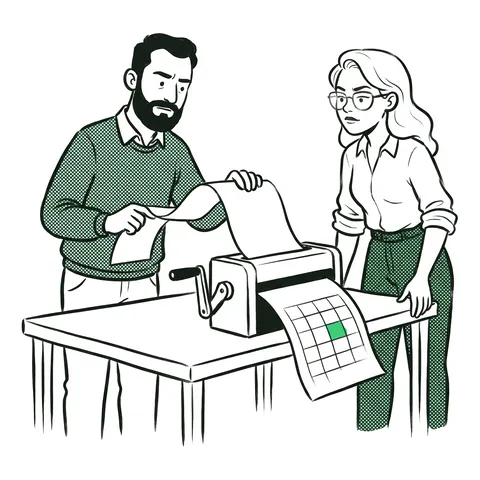
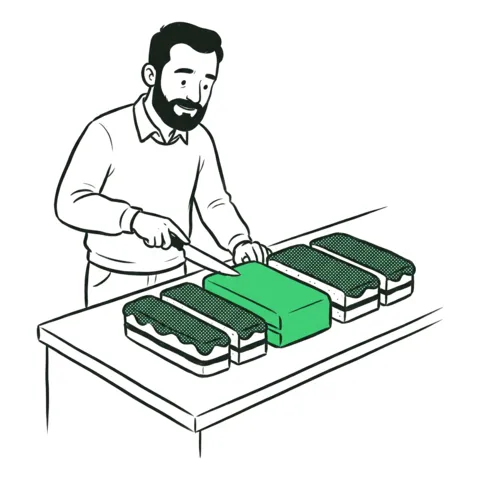
Bank exports bury the merchant in a longer line: POS 0412 *BEAN_THERE_CAFE/LEEDS. TEXTBEFORE(TEXTAFTER(A2, "*"), "/") cuts out the name, and PROPER(SUBSTITUTE(B2, "_", " ")) turns it into Bean There Cafe.
Find the markers, not the positions
The lines don't line up: "POS 0412" is shorter than "CONTACTLESS 0398", so MID(A2, 11, 15) works for some rows and cuts the others in the wrong place. Look for something that is always next to the name. Here the name always follows a *, and a / comes before the city.
TEXTAFTER and TEXTBEFORE
=TEXTBEFORE(TEXTAFTER(A2, "*"), "/")The inner part keeps everything after the *, "BEAN_THERE_CAFE/LEEDS". The outer part keeps everything before the /. Both work in Excel for Microsoft 365 and Excel for the web.
The line with no city
A direct debit such as DD *BRIGHTWATER_ENERGY has no /, and TEXTBEFORE returns #N/A when it can't find its delimiter. Three ways around it:
TEXTBEFORE(TEXTAFTER(A2, "*"), "/", , , 1): the fifth argument, match_end, lets the end of the text count as the delimiter.TEXTBEFORE(TEXTAFTER(A2,"*") & "/", "/"): add a / to the end, so there is always one.IFERROR(TEXTBEFORE(TEXTAFTER(A2, "*"), "/"), TEXTAFTER(A2, "*")).
Without TEXTBEFORE
In older versions, use MID with FIND. The name starts one character after the * and stops one before the /:
=MID(A2, FIND("*",A2)+1, FIND("/",A2&"/") - FIND("*",A2) - 1)The A2&"/" does the same job as match_end. The same pattern splits names in the first and last name challenge.
Make it readable
SUBSTITUTE(B2, "_", " ") swaps every underscore for a space. PROPER then puts a capital at the start of each word and makes the rest small. PROPER has quirks: "AND" becomes "And", and "MCDONALD" becomes "Mcdonald". Fix those by hand or with another SUBSTITUTE.
Common mistakes
- Starting at the *. FIND gives the position of the * itself; the name starts at +1.
- PROPER before SUBSTITUTE, or without it. The underscores stay: Bean_There_Cafe.
- SUBSTITUTE with "". The words run together.
FAQ
- How do I extract text between two characters in Excel?
- Use =TEXTBEFORE(TEXTAFTER(A2,"*"),"/") in Excel 365, or MID with FIND in older versions: =MID(A2,FIND("*",A2)+1,FIND("/",A2)-FIND("*",A2)-1).
- Why does TEXTBEFORE return #N/A?
- The delimiter isn't in that cell. Set match_end to 1 (the fifth argument) so the end of the text counts as the delimiter, or wrap the formula in IFERROR.
- How do I replace underscores with spaces in Excel?
- Use =SUBSTITUTE(A2,"_"," "). It replaces every underscore; add a fourth argument to replace only one of them.
- How do I capitalize the first letter of each word?
- Use =PROPER(A2). It also makes the other letters small, so check names such as McDonald afterwards.