The COUNT, COUNTA, COUNTBLANK guide
COUNTA counts every cell that isn't empty, COUNT counts only cells with numbers, and COUNTBLANK counts the empty ones. Pick the wrong one and the count is off without any error.
Three ways to count
| Function | Counts | Use it for |
|---|---|---|
COUNT | numbers (and dates) | amounts, scores, anything numeric |
COUNTA | anything that isn't empty | names, IDs, rows in a list |
COUNTBLANK | empty cells | what's still missing |
Why COUNT returns 0
Names are text, and COUNT skips text. =COUNT(A2:A11) on a column of names is 0. Use =COUNTA(A2:A11) to count the rows.
A word in a number column
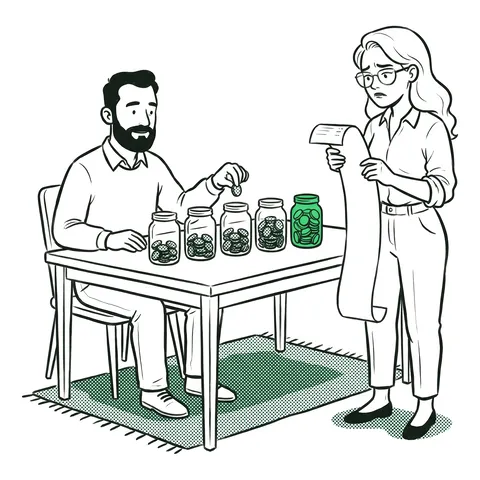
Real lists have notes in them: "Free", "n/a", "TBC". COUNTA counts those as filled, COUNT doesn't count them as numbers. In the challenge, Fay's place is free: she isn't one of the people who paid, and she doesn't owe anything either. So "signed up minus paid" overcounts what's still owed, and COUNTBLANK gets it right.
Numbers stored as text
If COUNT is lower than the number of amounts you can see, some of them are probably text. See numbers stored as text.
Common mistakes
- COUNT on names. Returns 0. Use COUNTA.
- The header in the range. COUNTA counts it, so the count is one too high.
- COUNTA on a column with notes. "Free" and "n/a" are counted as filled.
- Cells that only look empty. A cell holding a space isn't blank: COUNTA counts it and COUNTBLANK doesn't.
FAQ
- What is the difference between COUNT and COUNTA?
- COUNT counts only cells that contain numbers. COUNTA counts every cell that isn't empty, including text.
- Why does COUNT return 0 in Excel?
- The range contains text, such as names, and COUNT only counts numbers. Use COUNTA instead.
- How do I count empty cells in Excel?
- Use =COUNTBLANK(range). It counts cells that are completely empty.
- How do I count cells with a specific value?
- Use COUNTIF, for example =COUNTIF(B2:B11,25) or =COUNTIF(C2:C11,"Shipped").
This task is in the timed office and admin and basic Excel practice tests. What Excel interview tests check