The Pick the tool guide
Five regions and a total: what share did each bring in? Column C is already formatted as a percentage. The task doesn't say how to write it.
Read the question first
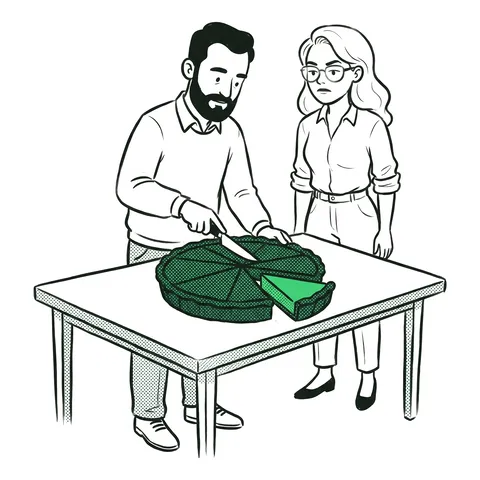
A share is the part divided by the whole. The whole is the total in B7, the same for every region, so it must stay put when the formula is filled down.
One way to write it
=B2/$B$7=B2/SUM($B$2:$B$6) works too. The % format shows 0.2 as 20%; don't multiply by 100 as well.
Where it goes wrong
- No $. The next row divides by B8, which is empty: #DIV/0!.
- *100. 20% shows as 2000%.
- The total divided by the region. The other way round.
The full lesson: percent of a total.
FAQ
- How do I calculate a percentage of a total in Excel?
- Divide the part by the total and lock the total: =B2/$B$7. Format the result as a percentage.
- Why does my percentage show 2000%?
- The formula multiplies by 100 and the % format multiplies by 100 again. Leave out the *100.
- Why do I get #DIV/0! when I fill down a percentage formula?
- The total wasn't locked, so the lower rows divide by an empty cell. Use $B$7.