The ROUND guide
=ROUND(number, 2) rounds a value to two decimal places, and the cell then holds the rounded number. A 0.00 format only changes what you see: the hidden digits are still there, and totals add them up.
The syntax
=ROUND(number, num_digits)num_digits is how many decimal places to keep. 2 rounds to cents, 0 to whole numbers, and -2 to hundreds: =ROUND(1234.5, -2) is 1200. Halves round away from zero, so 2.125 becomes 2.13 and -2.125 becomes -2.13.
What you see vs what's stored
Tax at 8.25% on 45.00 is 3.7125. Format the cell as 0.00 and it shows 3.71, but it still holds 3.7125. Do that on five lines and the total adds the hidden digits:
| Amount | Tax, shown | Tax, stored |
|---|---|---|
| 45.00 | 3.71 | 3.7125 |
| 18.50 | 1.53 | 1.52625 |
| 72.30 | 5.96 | 5.96475 |
| 9.99 | 0.82 | 0.824175 |
| 120.75 | 9.96 | 9.961875 |
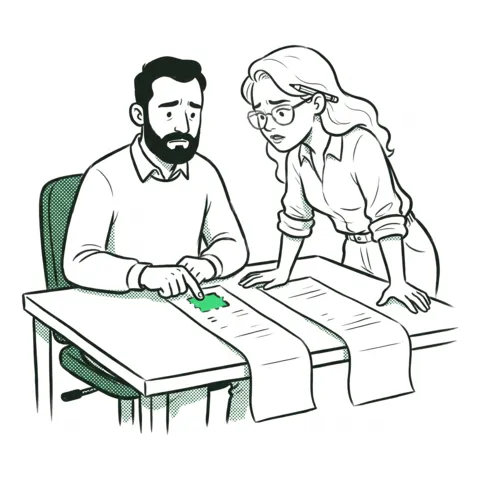
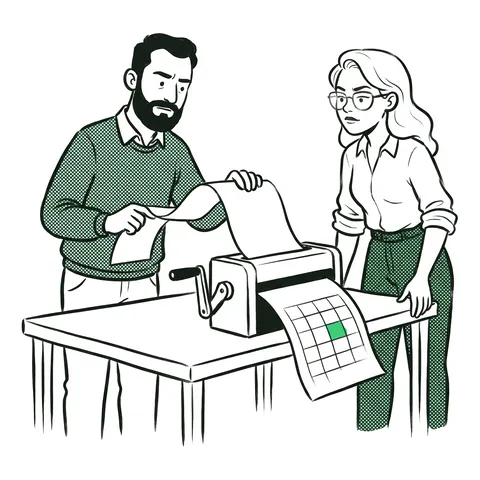
The lines you can see add up to 21.98. The total cell shows 21.99, because it adds the stored values. On an invoice that is a cent nobody can explain. =ROUND(B2*$F$1, 2) on each line makes the stored value match the shown one, and the total ties out.
ROUND, ROUNDUP, ROUNDDOWN
ROUNDgoes to the nearest: 3.7125 becomes 3.71.ROUNDUPalways goes away from zero: 3.7125 becomes 3.72. Useful for "boxes needed" or "a started hour counts".ROUNDDOWNalways goes toward zero: 3.7189 becomes 3.71.
When to round
Round where the real world rounds. If each invoice line is charged in cents, round each line. If only the final total is charged, keep full precision on the lines and round the total once. Rounding every step of a long calculation adds small errors up.
Common mistakes
- Using the format instead. Decrease Decimal and 0.00 change the look only.
- The wrong number of digits.
ROUND(x, 0)rounds to whole dollars; cents need 2. - ROUNDUP for money. It rounds every line up, so customers pay a little more on every line.
- A rate that slides. Lock the rate cell as
$F$1before you fill down.
FAQ
- How do I round to 2 decimal places in Excel?
- Use =ROUND(A1,2). Formatting the cell as 0.00 only changes what you see; ROUND changes the stored value, so totals add the rounded numbers.
- Why is my Excel total off by a cent?
- The cells show rounded numbers but store more decimals, and the total adds the stored values. Round each line with ROUND(…,2) if each line is charged in cents.
- What is the difference between ROUND, ROUNDUP and ROUNDDOWN?
- ROUND goes to the nearest value, ROUNDUP always away from zero and ROUNDDOWN always toward zero, each to the number of digits you give.
- How do I round to the nearest hundred or thousand?
- Use a negative number of digits: =ROUND(A1,-2) rounds to hundreds, =ROUND(A1,-3) to thousands.
This task is in the timed finance and accounting practice tests. What Excel interview tests check